
CAPS
Hover a highlighted key to inspect shortcut details.
More instrument than sampler.
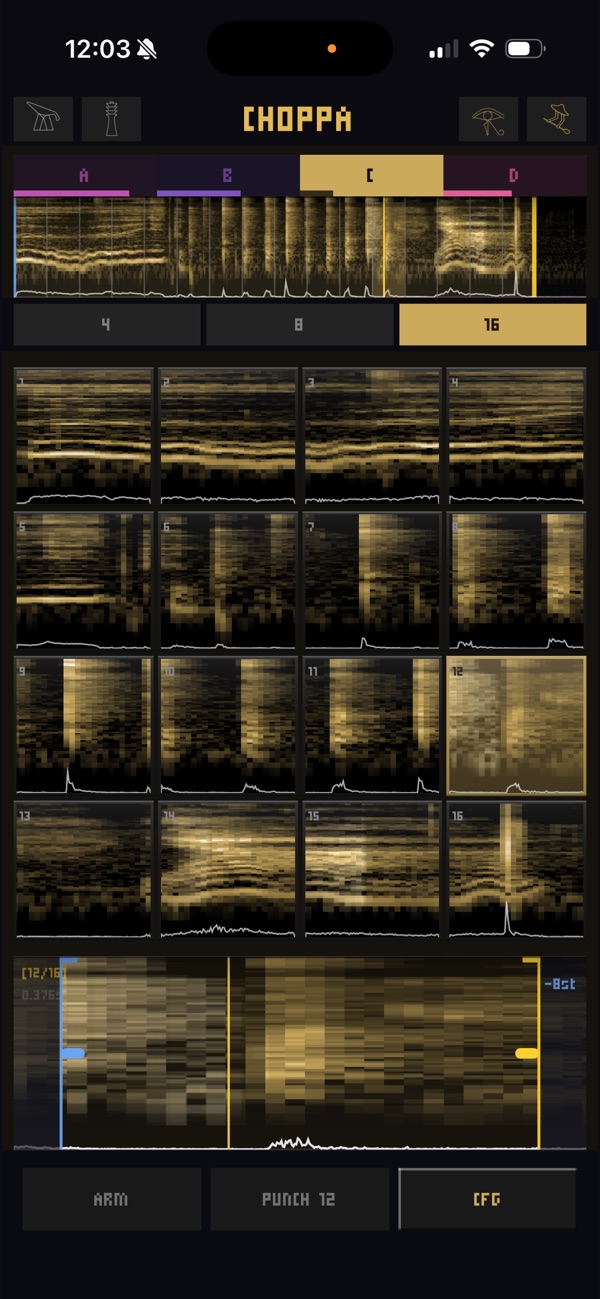
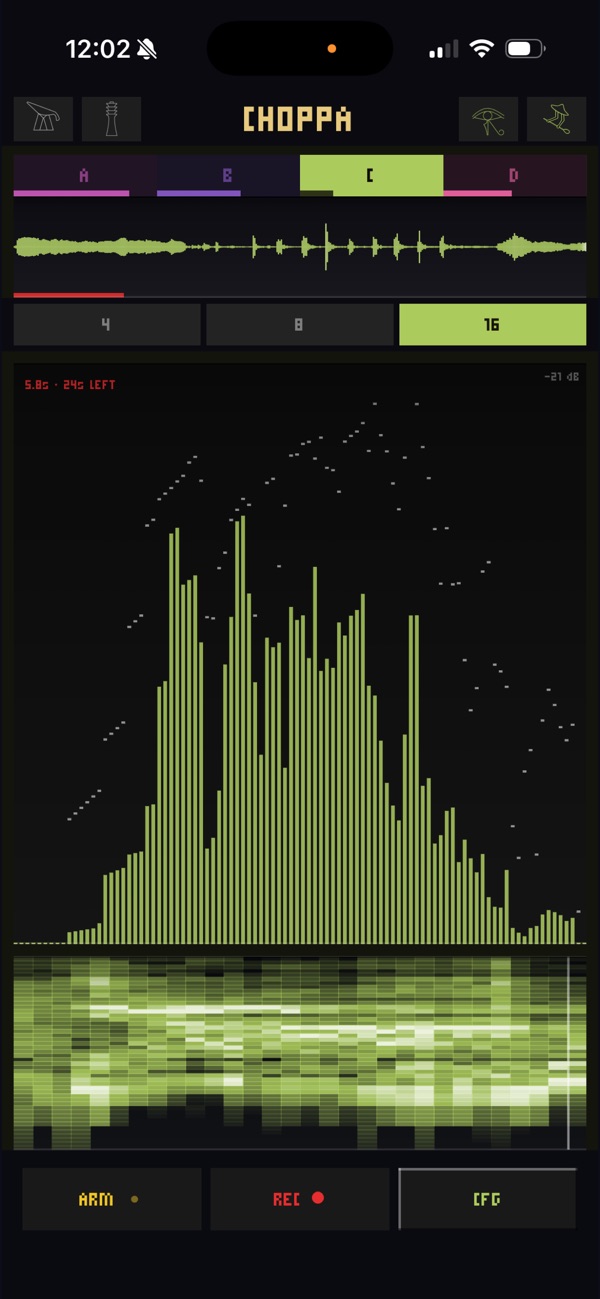
Record or import anything, it splits into pads, and you play the remix. Standalone, or inside any Audio Unit host.
Finished audio in, instrument out. A vocal, a guitar loop, a whole beat — sliced across your keyboard. It came from wanting to remix my own loops by playing them, not dragging them around.
Koala, Reslice, Samplist, Segments — deep samplers. Choppa isn't competing on features; it's competing on speed. Load. Slice. Play. Want a full sampler? Use one. Want to play right now? This.
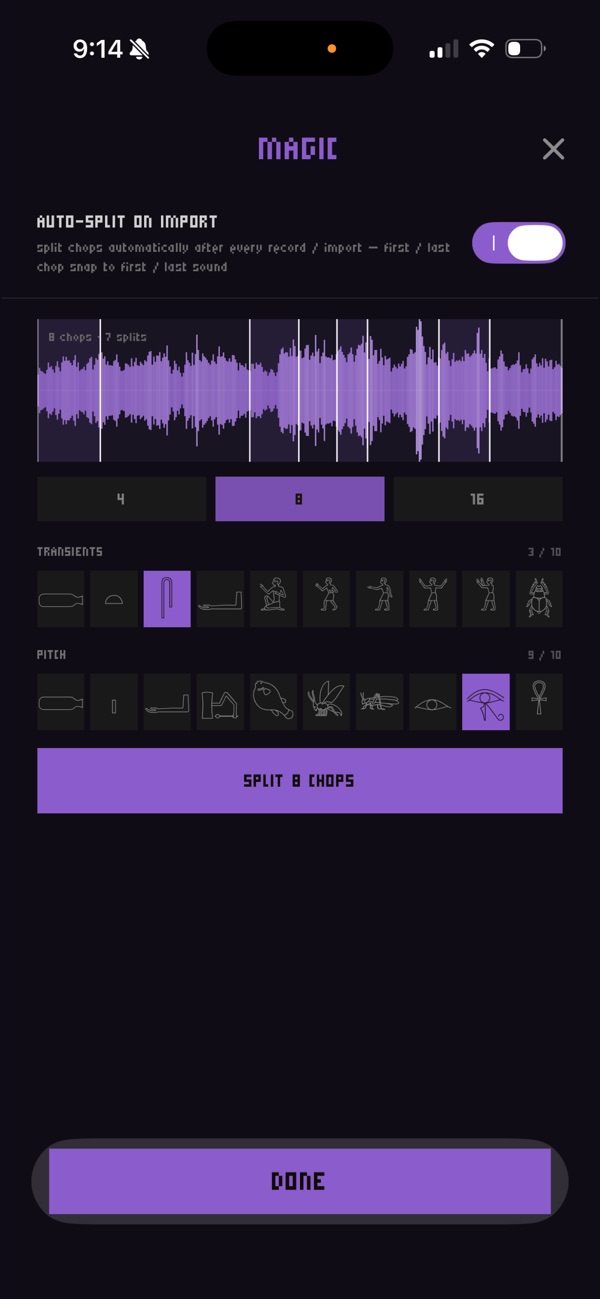
Drop audio in, or bounce from x1/x4. Auto-divided — turn the count up for hits, down for phrases.
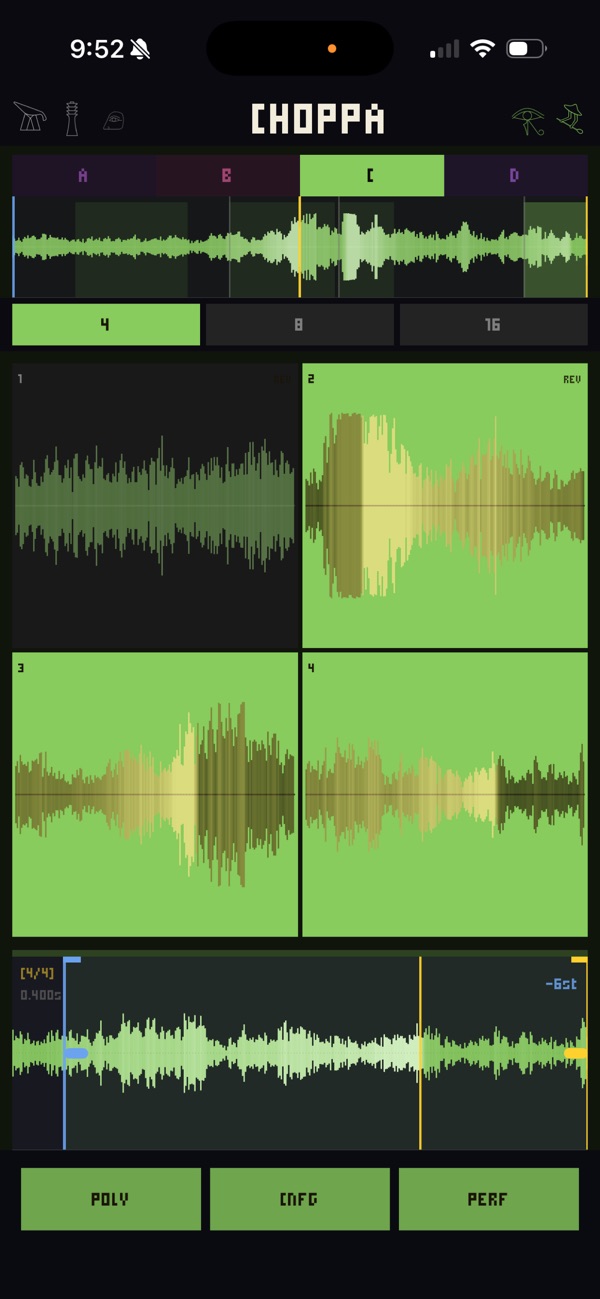
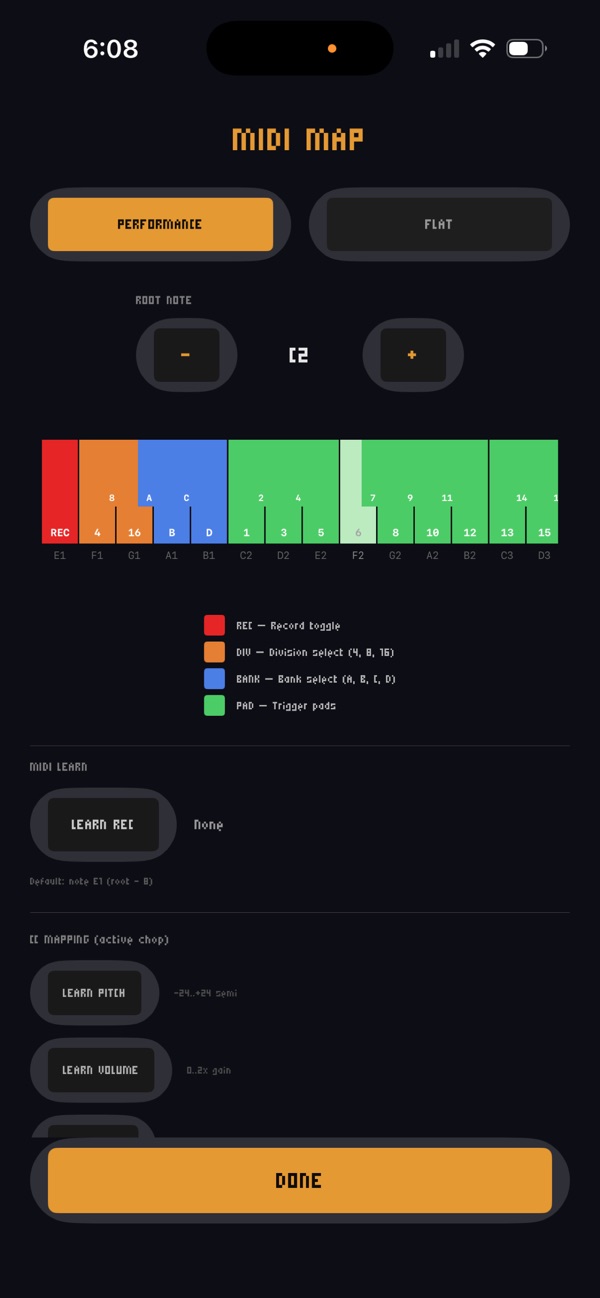
A 4×4 grid on your keys. One-shot, loop, reverse, choke. Play the loop — don't stare at it.
Per-slice regions, forward/reverse/pingpong, a moving window. Export what you love back into x1 or x4.
Follow the highlighted controls to record, chop and play. Pause anytime. Open TRAINING in the title menu to resume, replay or reset your progress.
Turn sideways and the library and inputs dock beside the instrument. Sequencer slides follow your movement, pauses and release timing.
In TestFlight and Mac Preview, cloud files show loading progress with cancel and retry. The WAVELOOP pool shows shared recordings with names and waveforms, and imports working copies through the trim window.
In TestFlight and Mac Preview, Unload frees a downloaded iCloud file’s local space and Choppa’s temporary preview copy. The cloud original stays intact; LOAD brings it back. Long-press in FOLDERS on iPhone or iPad, or right-click on Mac.
No. RESET ALL TRAINING restarts the guides and discoveries while keeping your audio and settings.
One piece of a chain.
Loop in x1, chop here, layer it back in x4.
A separate free JSFX version for your REAPER sessions.
| iOS Standalone | $4.99 on App Store → |
|---|---|
| AUv3 Instrument | Works in AUM, Drambo, GarageBand, ApeMatrix, apeFilter |
| macOS | Free standalone Mac beta |
| Reaper JSFX | Free — download (works in any Reaper session) |
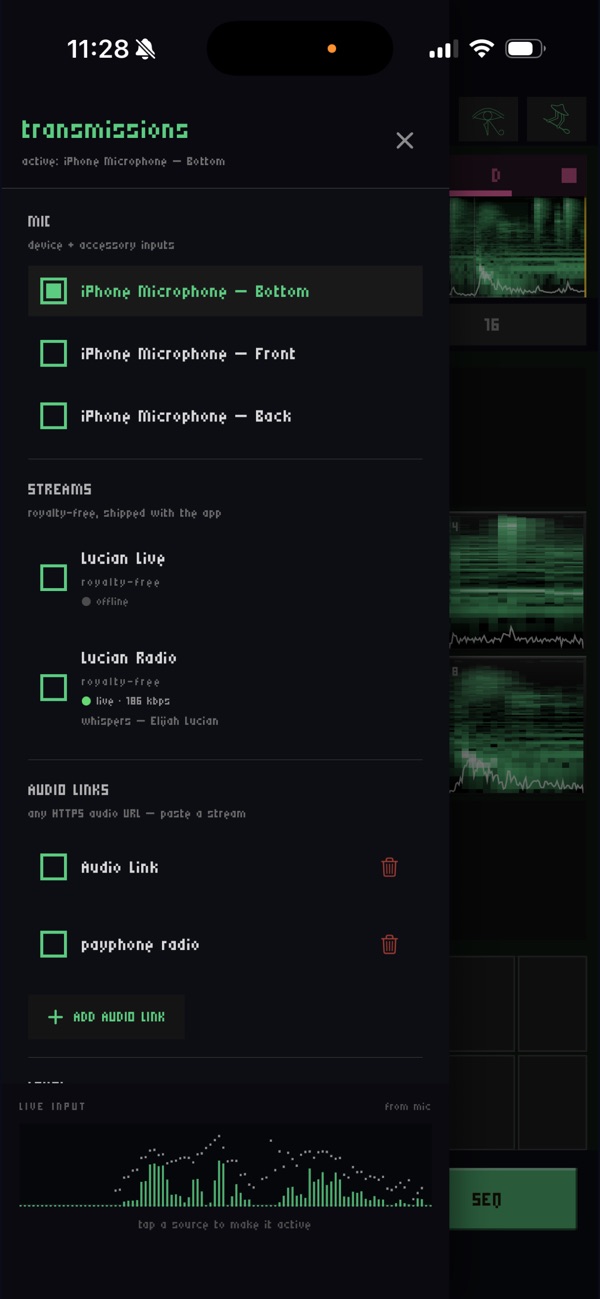
| Audio input | Microphone, audio files, Share Sheet and audio streams |
| Inter-App Audio | Not supported (use AUv3 instead) |
Hover a highlighted key to inspect shortcut details.
| Action | Shortcut |
|---|---|
| stop all notes | ESC / SPACE |
| record toggle | ` / F1 |
| toggle choke | TAB |
| export | ^ |
| reset offsets even | * |
| divisions > multiply | = |
| divisions > divide | - |
| divisions > increase by 1 | + |
| divisions > decrease by 1 | F |
| region loop modes > forward loop toggle | L |
| region loop modes > pingpong toggle | Shift+L |
| region loop modes > reverse toggle | K |
| global window move > left | Left |
| global window move > right | Right |
| global window move > left double | Shift+Left |
| global window move > right double | Shift+Right |
| global start marker > left small | 9 |
| global start marker > right small | 0 |
| global end marker > left small | [ |
| global end marker > right small | ] |
| section triggers > row 1 | 1 / 2 / 3 / 4 |
| section triggers > row 2 | Q / W / E / R |
| section triggers > row 3 | A / S / D / F |
| section triggers > row 4 | Z / X / C / V |
Five dollars, once. It picks up where you left it.
Release notes. No spam.