
Tide
Beautiful voice notes.
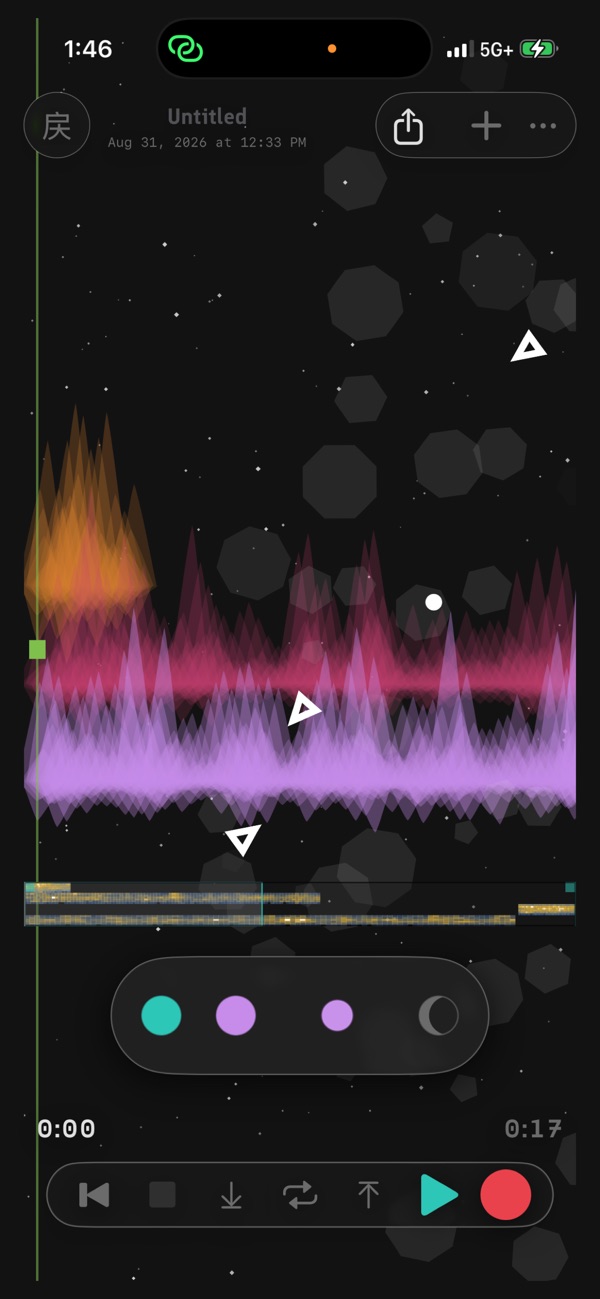
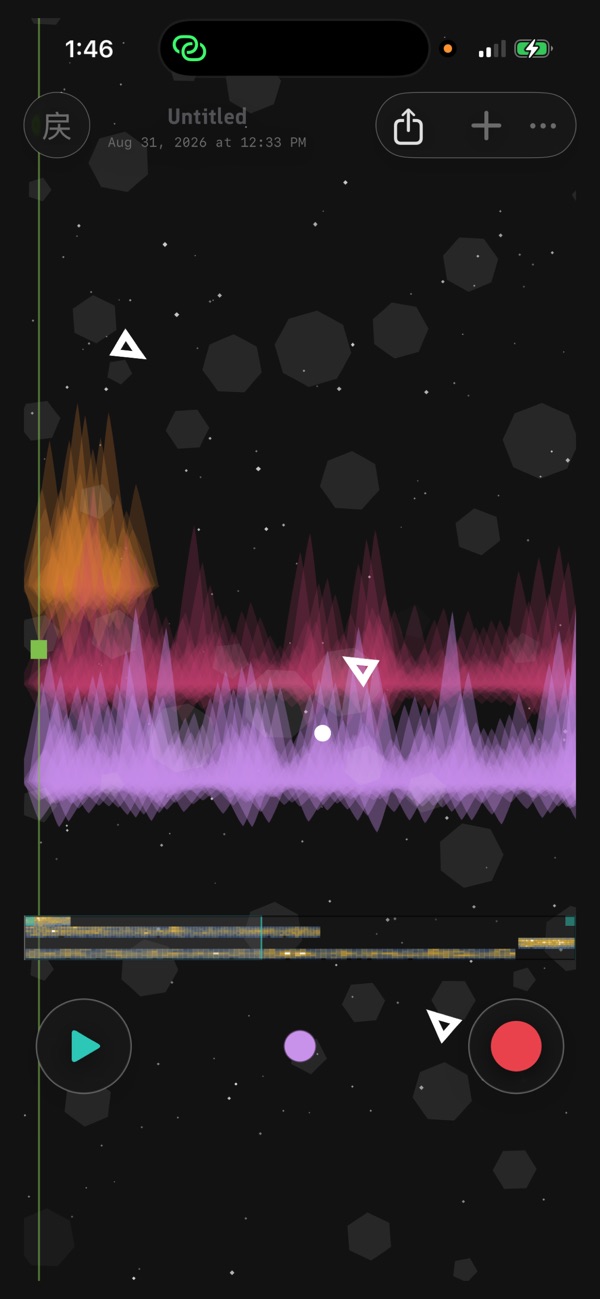
Talk, sing, hum, play. Every take becomes a living canvas. Close it mid-take — it picks up where you left it.
Free on Mac
macOS 14+, Apple silicon and Intel. Notarized, no account, no installer — drag it to Applications and hit record.
Download for Mac →Tide ULTRA — free on Windows
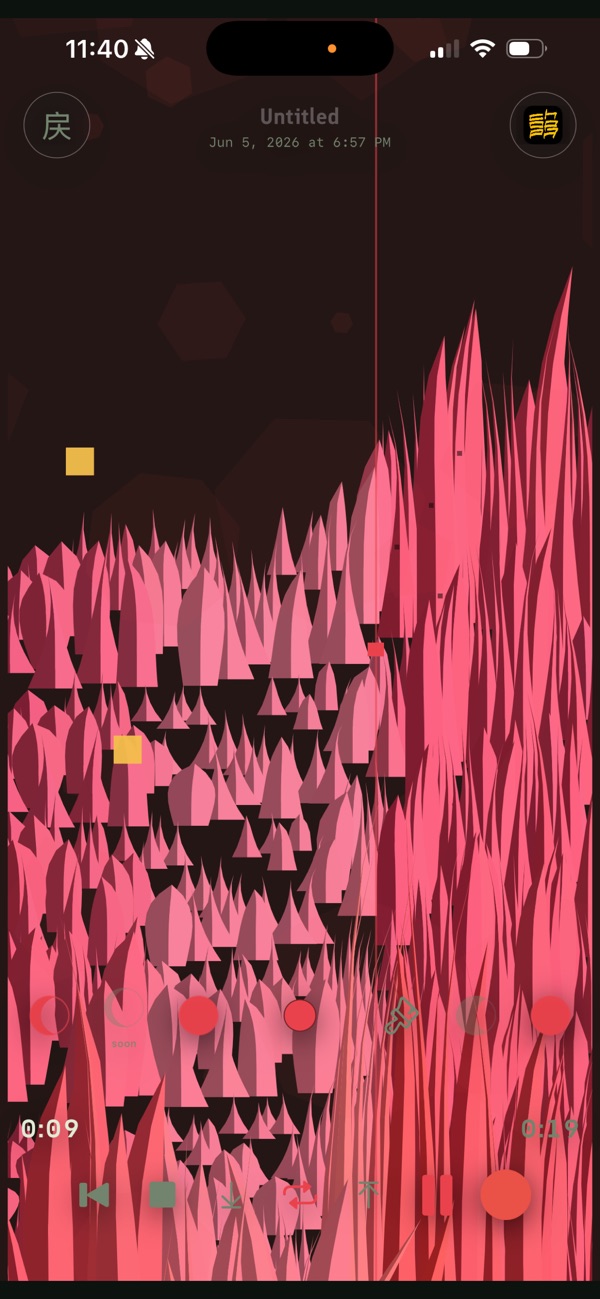
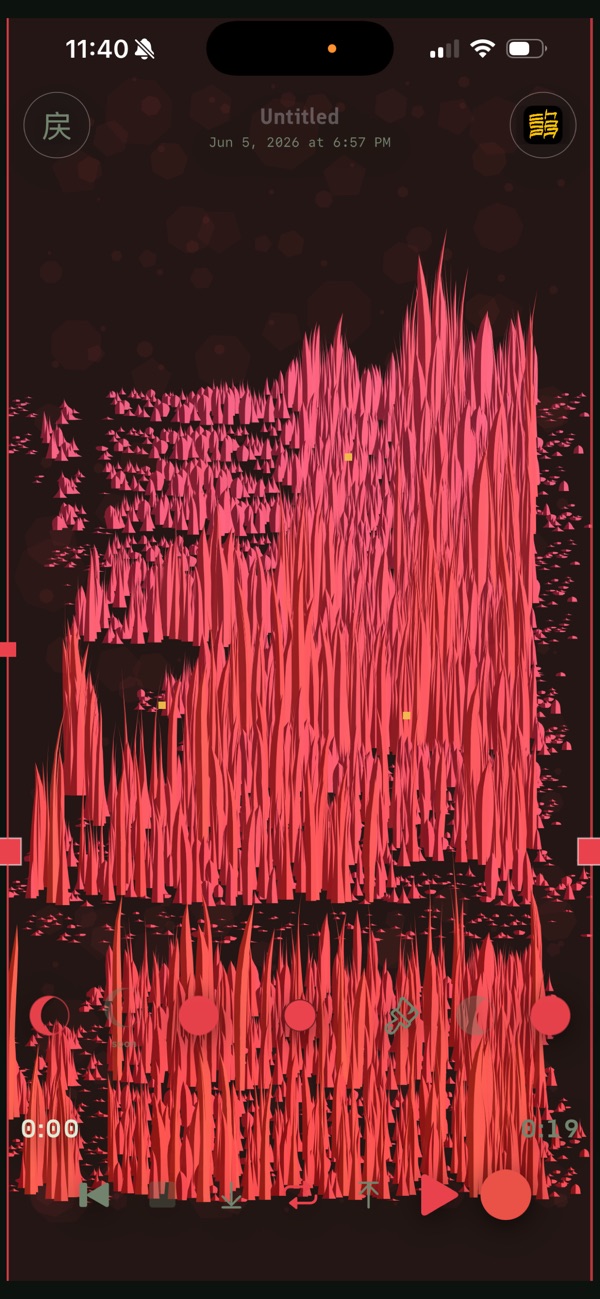
Tide on your PC. Press R and talk, sing or hum: every take lands on one tape and draws itself as a row of leaves. Record over it, loop it, scratch through it.
Windows 10 or 11, 64-bit. No installer, no account, nothing to uninstall: unzip it anywhere and double-click tide.exe.
“Windows protected your PC”?
The first time, Windows SmartScreen may stop it. The app isn't signed with a paid code-signing certificate yet, so Windows doesn't recognise the publisher. Click More info, then Run anyway. You only do this once.
To check you have the file we published first, open PowerShell in the unzipped folder and run Get-FileHash .\tide.exe. It should print:
254b90dd9bd77c03e21fe8a5b7fe2de19673805e83f5b181450d1241e5889fb8The zip itself:
cf3dbc4e3e57a378c1e1e958089fddfd096dfa2418ba24f4362dc18b05161a23Settings live in %APPDATA%\WaveLoop and audio in your Music folder, so the app can run from anywhere, even straight out of the zip. It stays off the network unless you switch BROADCAST on; then it plays to your own network only.
What it is
- A voice recorder that treats every take like it matters.
- A live art canvas — the visuals respond to what you record.
- Tape feel: destructive, immediate, always resumable.
- iCloud sync with a graceful local fallback — record anywhere, listen anywhere.
- Part of the WaveLoop family — takes can travel to Choppa and the other apps on your device.
- The Mac build is the same app, free — plug in an interface and it hosts your AUv3 effects.
What it isn't
Not a DAW. No lanes, no grids. It catches the sound while it's alive.
Privacy
Local. No accounts, no telemetry — your audio stays on your device and your iCloud until you export it.
Free on Mac
macOS 14+, Apple silicon and Intel. Notarized, no account, no installer — drag it to Applications and hit record.
Download for Mac →