UltraKit
One kit draws every WaveLoop app.
The controls, the motion, the cursor and the panels behind our apps on Windows and the Mac. Every picture on this page is drawn by the kit itself.
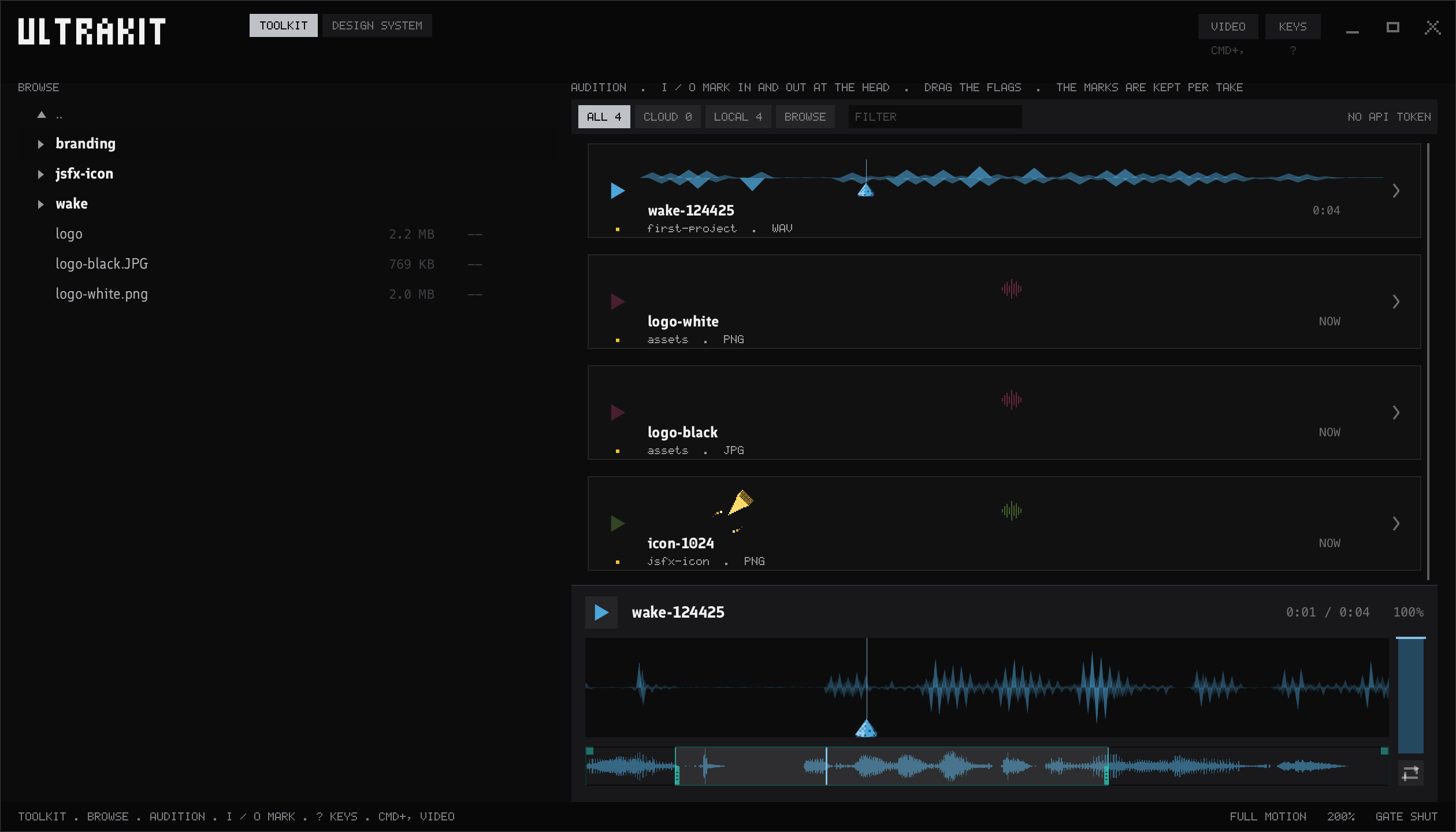
The parts
Everything an app is made of.
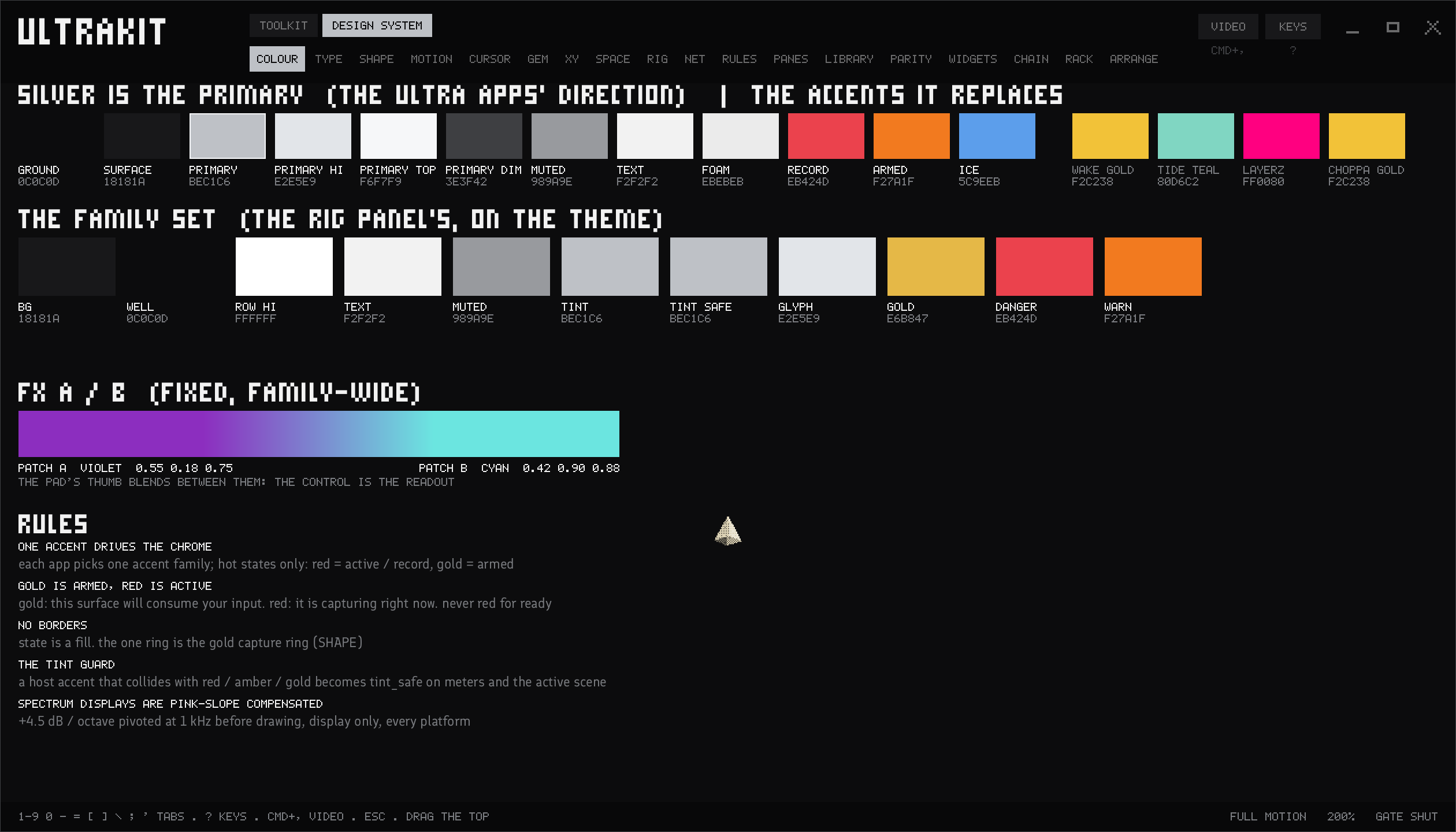
Colour
Silver first, one accent per app, and the family set every panel wears.
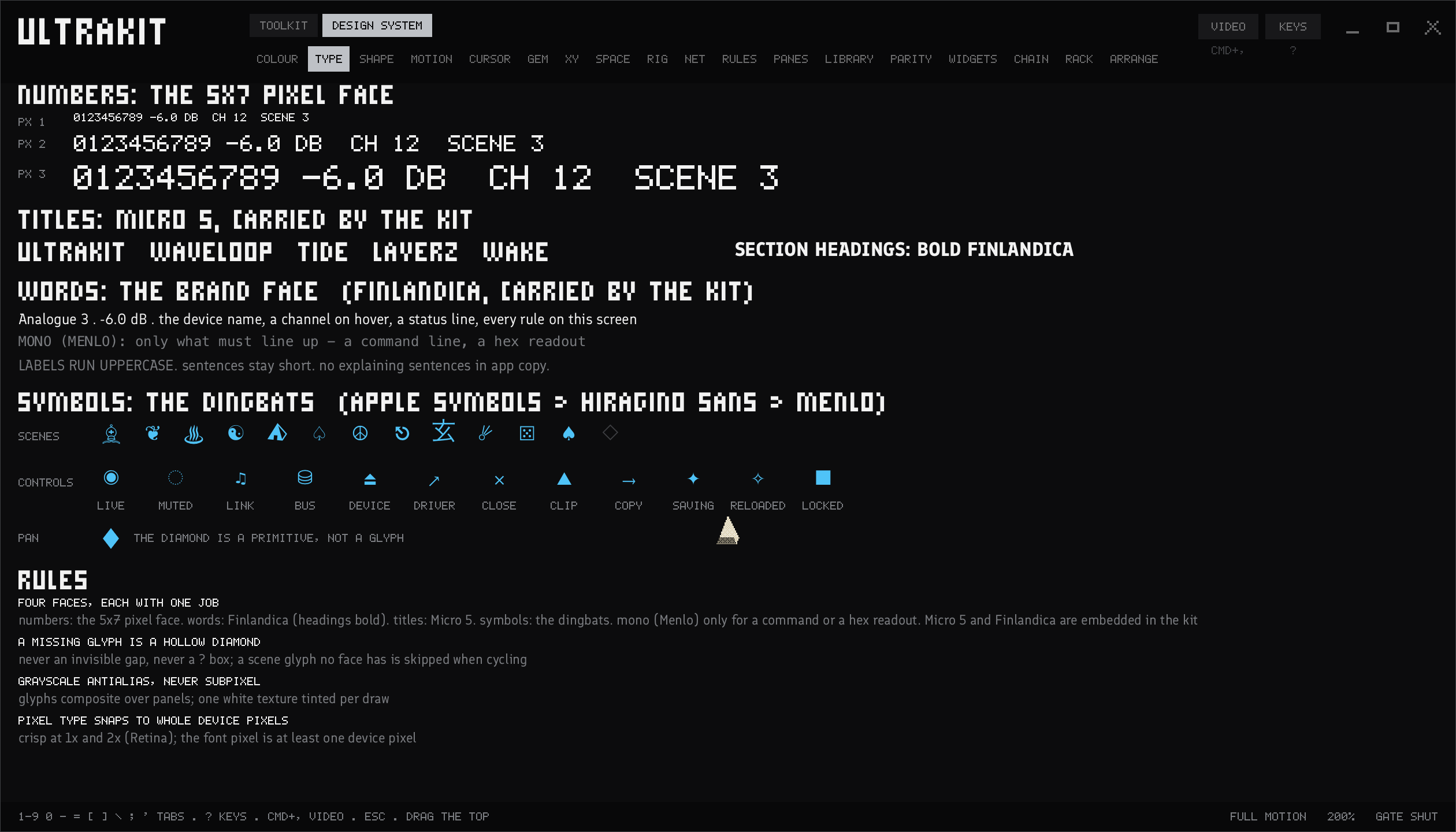
Type
A 5×7 pixel face for numbers, Finlandica for titles, mono for the rest.
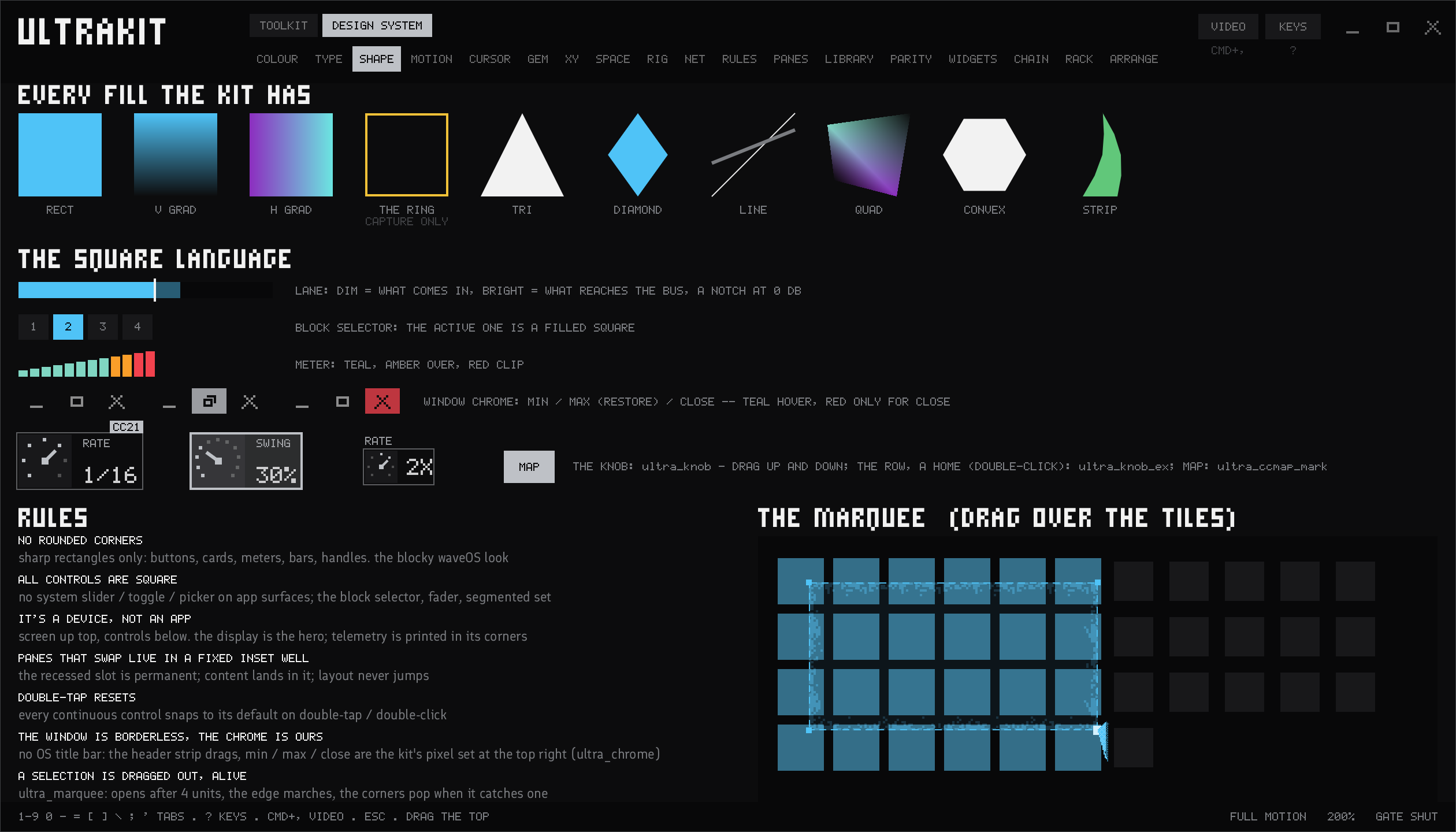
Shape
Square, always: every fill, every control, the window's own buttons.
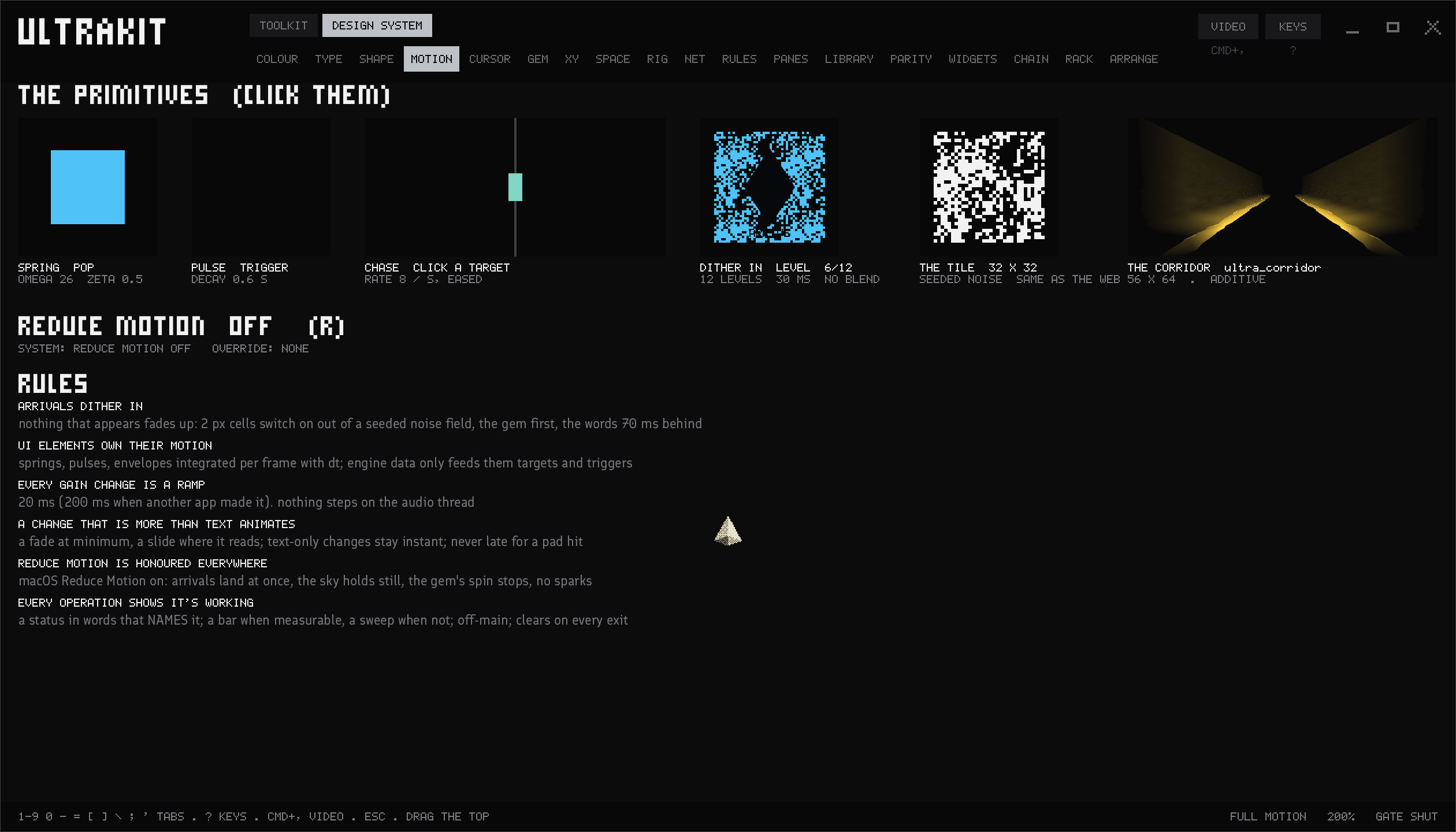
Motion
A press pops and springs back, panels dither in, and reduce motion holds it all still.
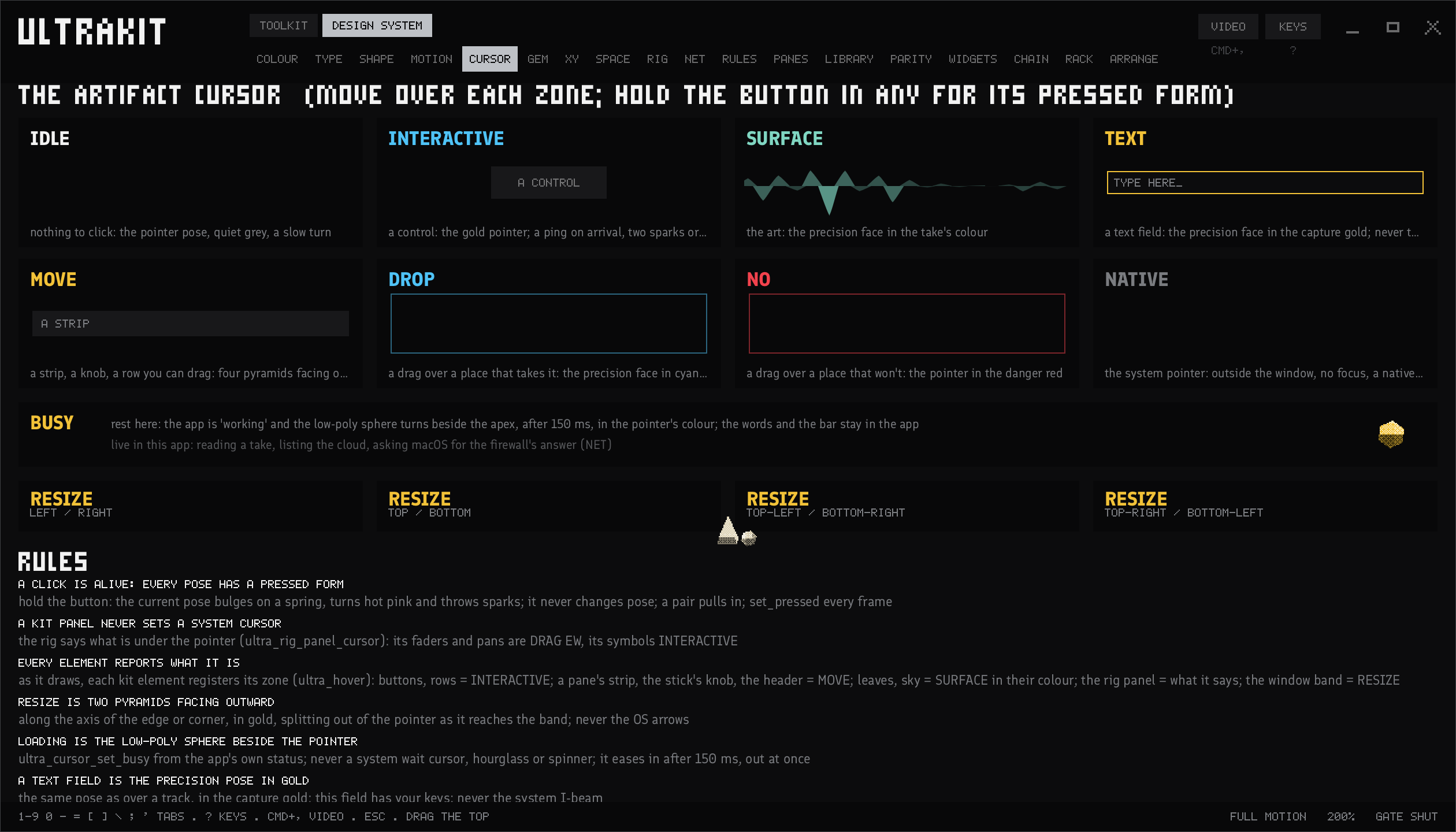
Cursor
The cursor tells you what's under it: a control, a surface, text, a drop, a resize.
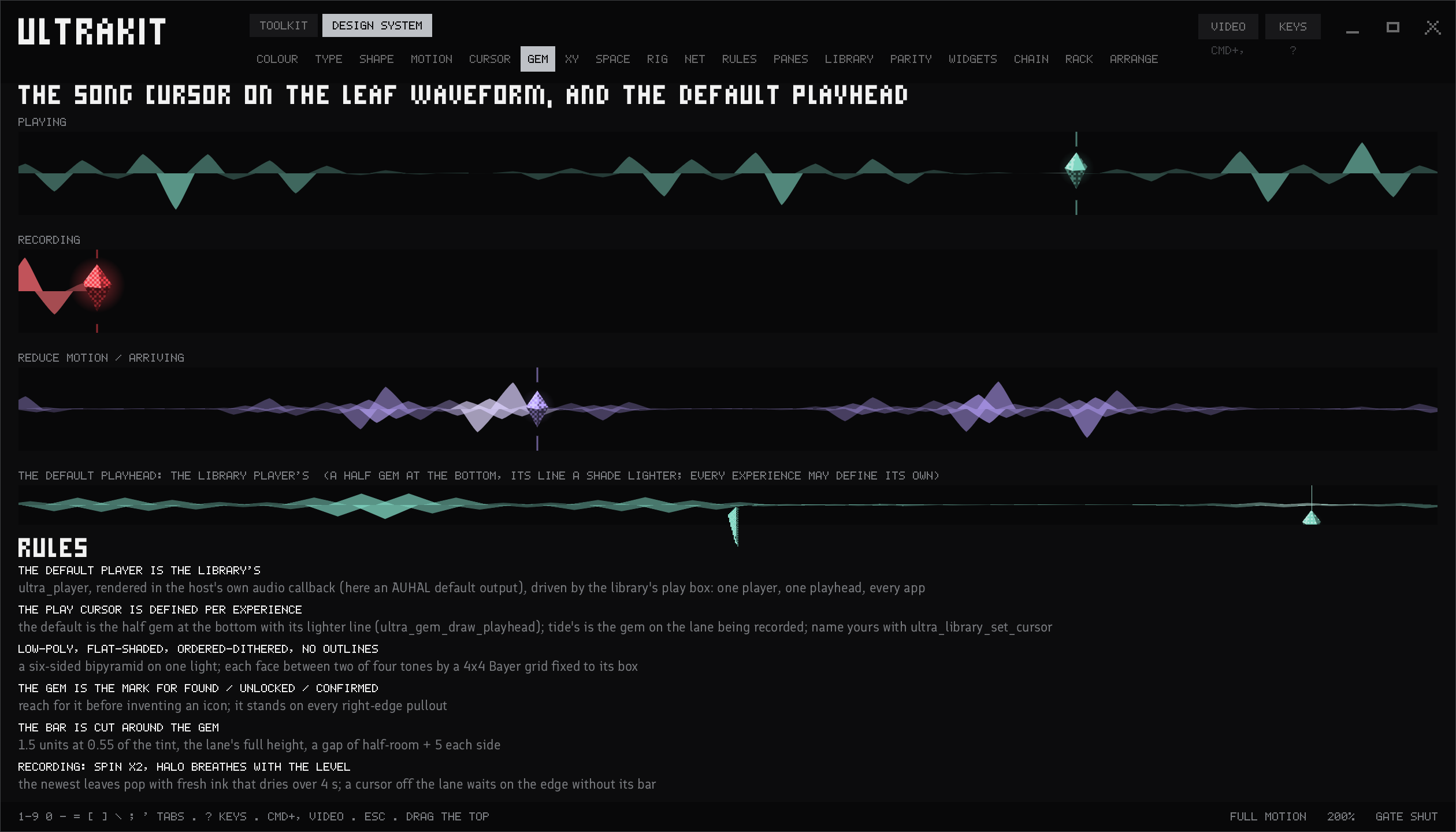
The gem
The song cursor rides the waveform while it plays and while it records.
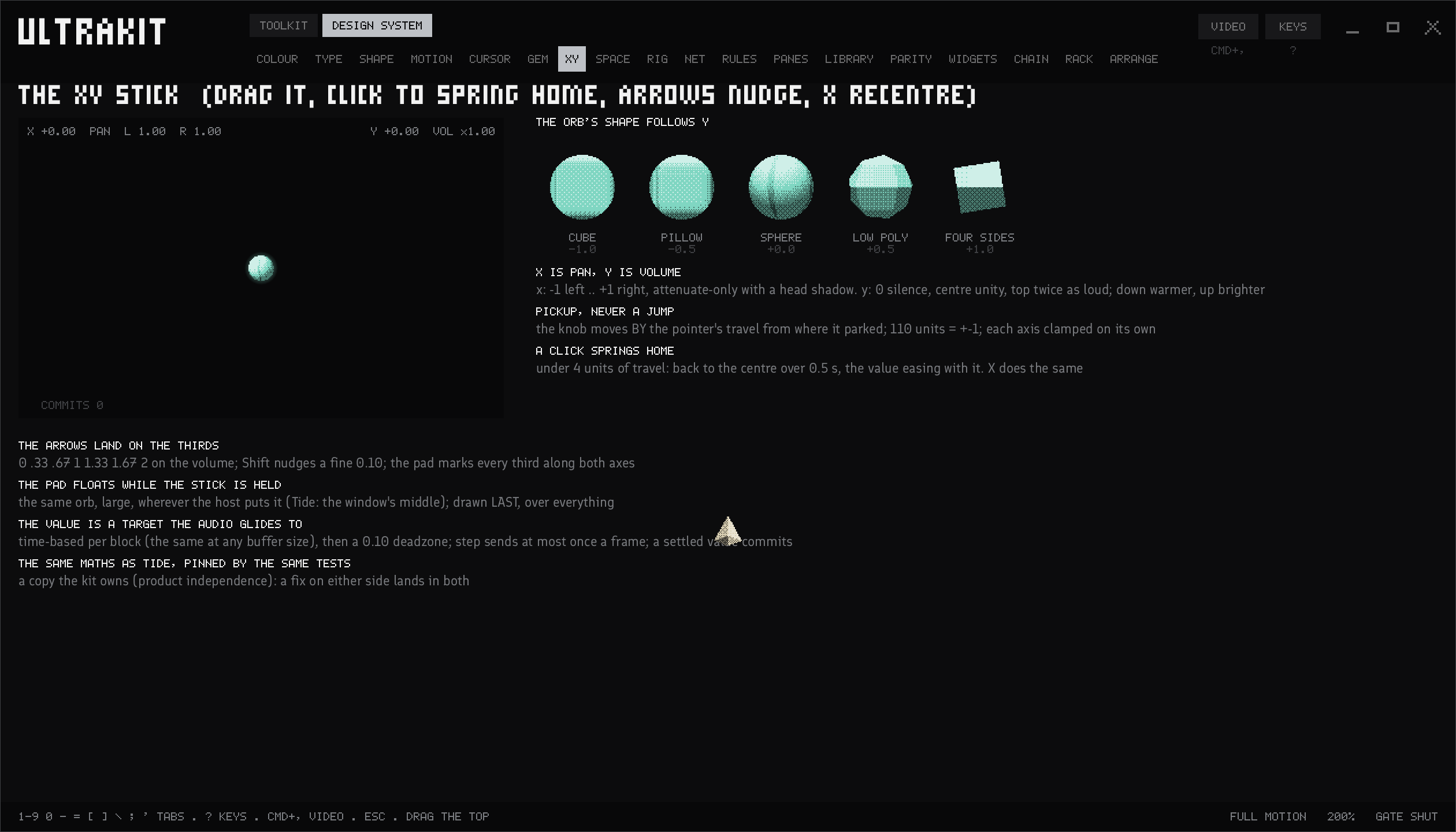
XY
Drag the stick anywhere; let go and it springs home.
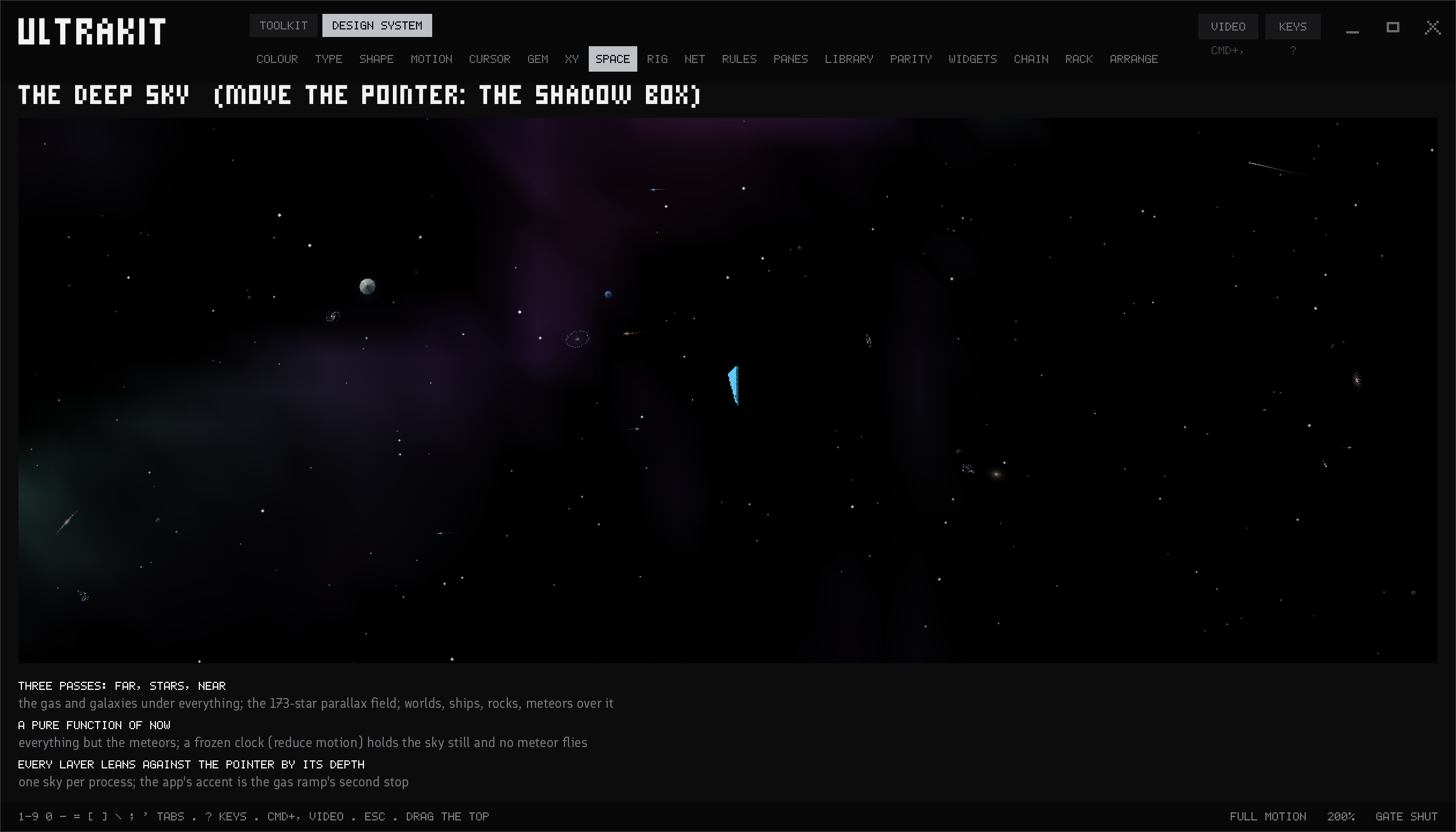
Space
The deep sky behind the apps, moving with your pointer.
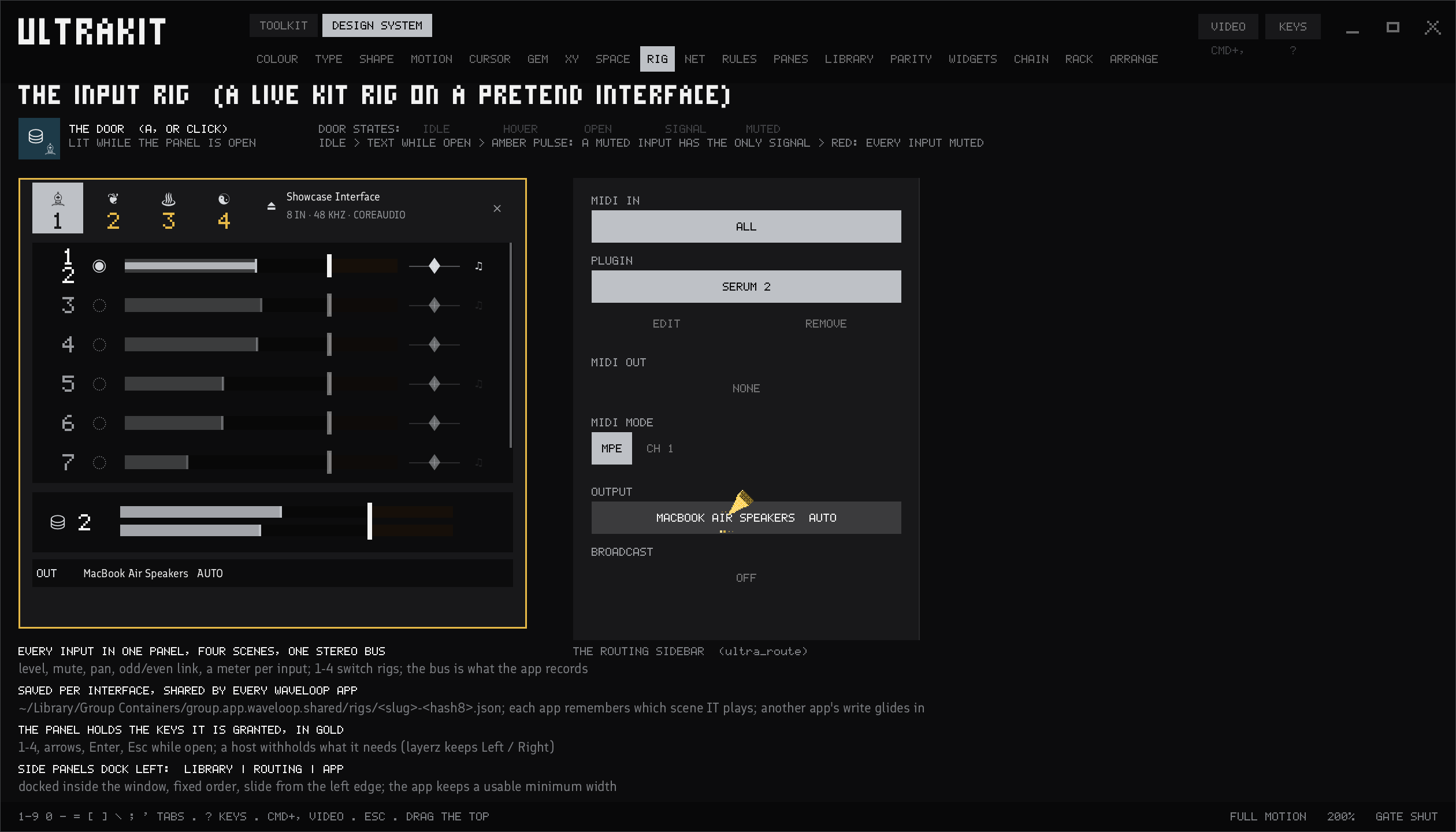
The rig
Every input on one panel: level, mute, pan, a meter, and four scenes to switch setups.
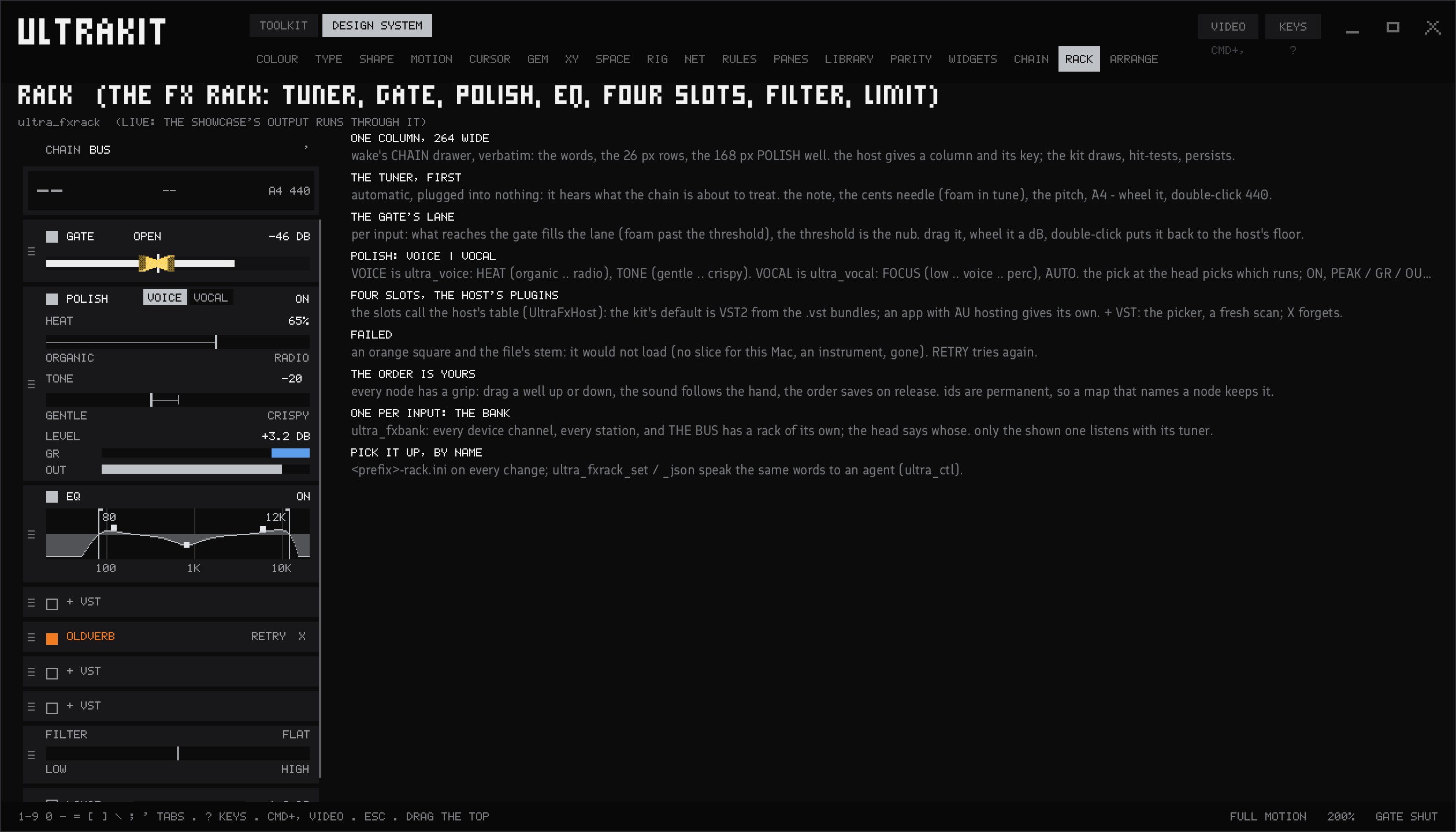
The rack
Tuner, gate, polish, EQ and four plugin slots on every input.
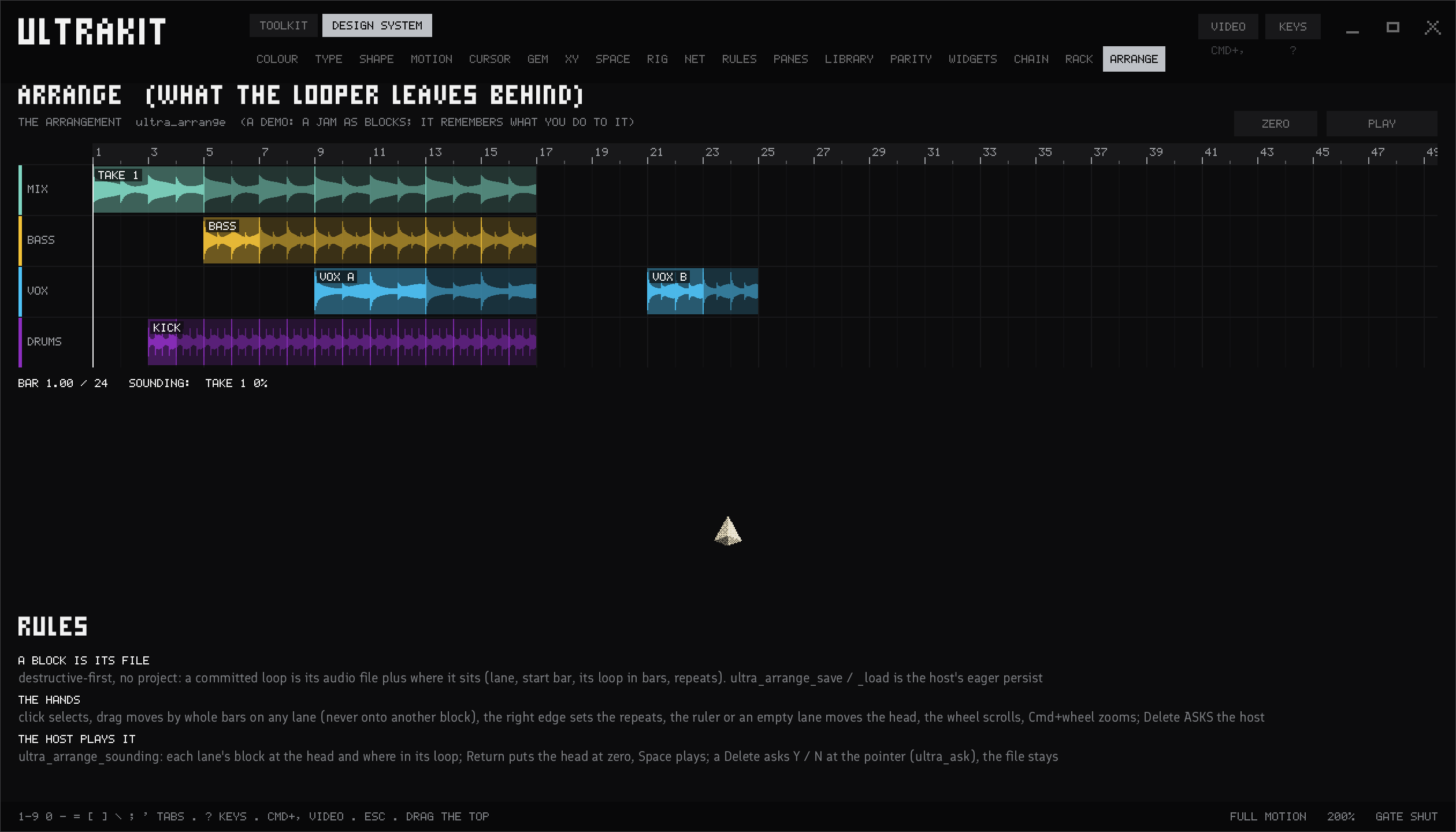
Arrange
Your loops laid out as blocks, lane by lane.
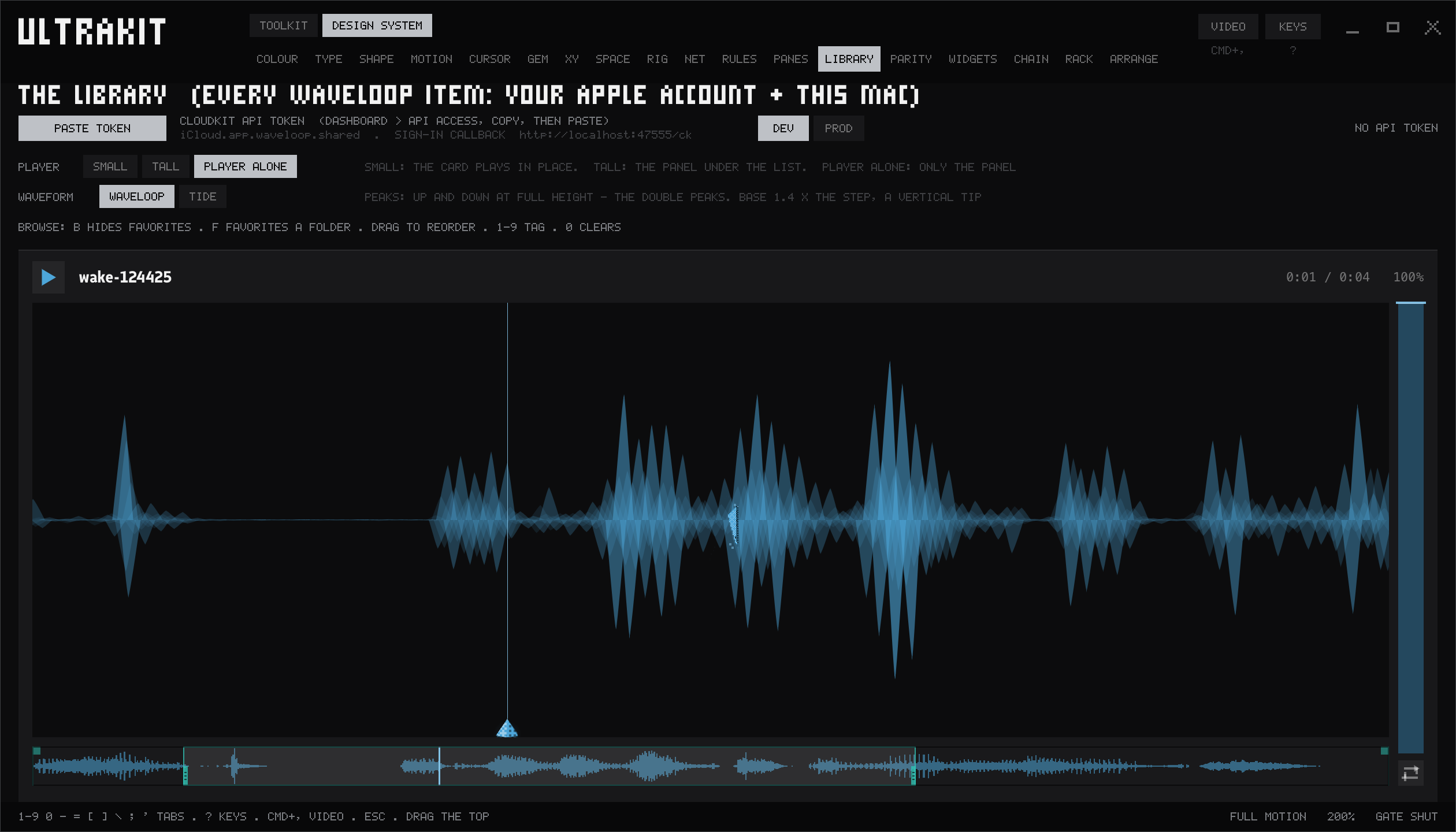
The library
Every take in one place, with a tall player to mark in and out.
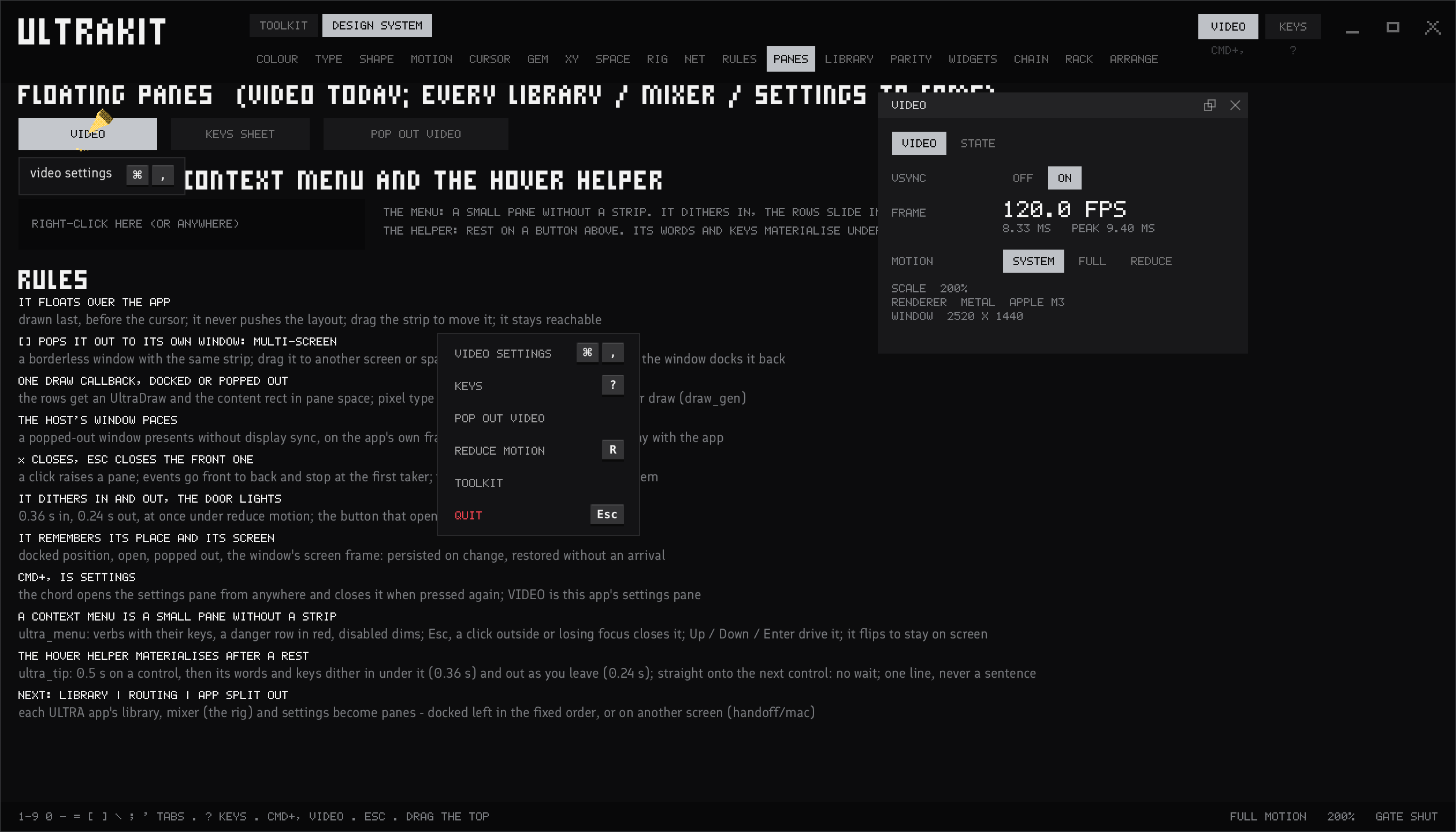
Panes
Square panels that float over the app, or pop out to another screen.
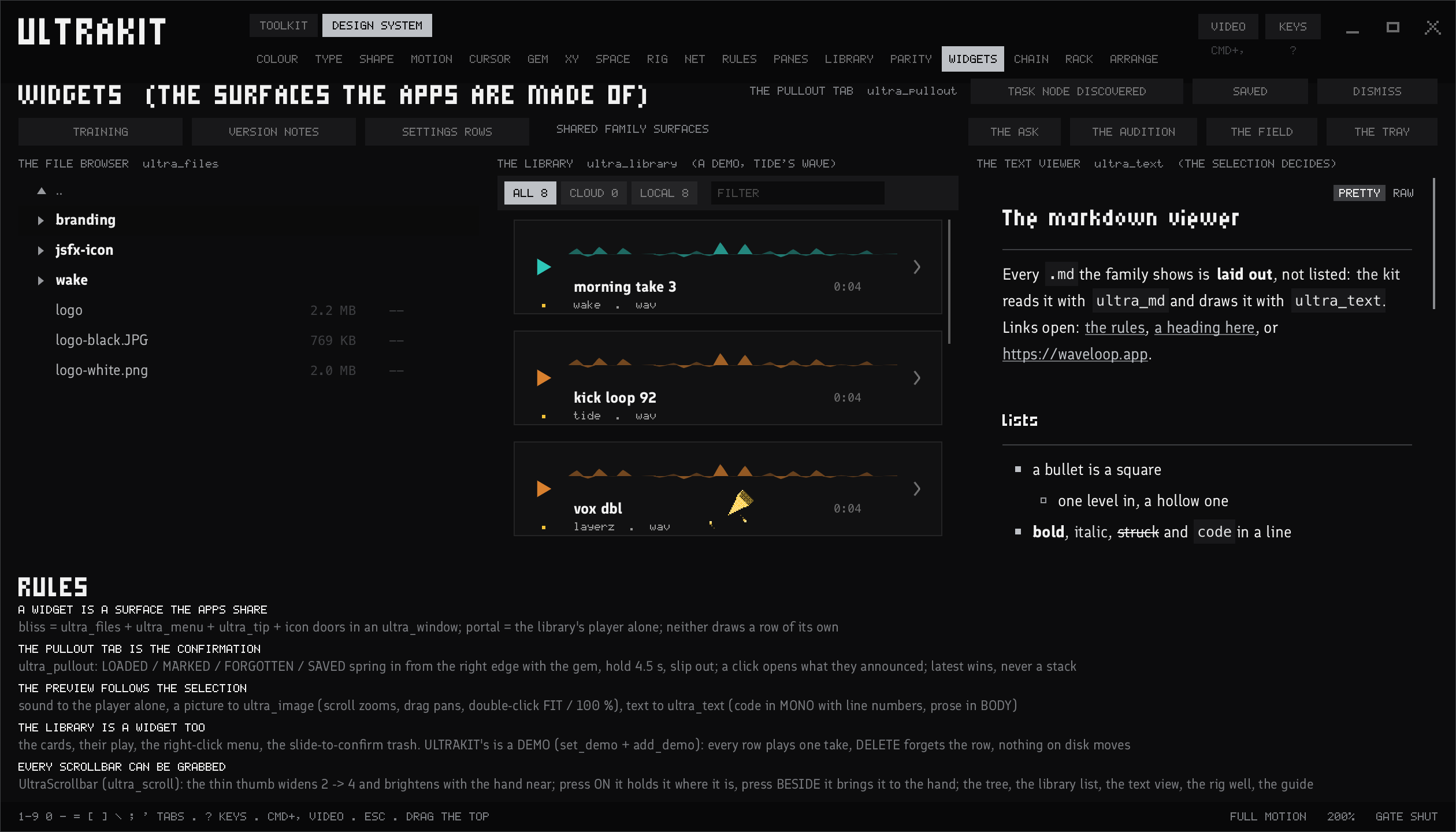
Help you can read
Notes and manuals laid out properly, with links that open.
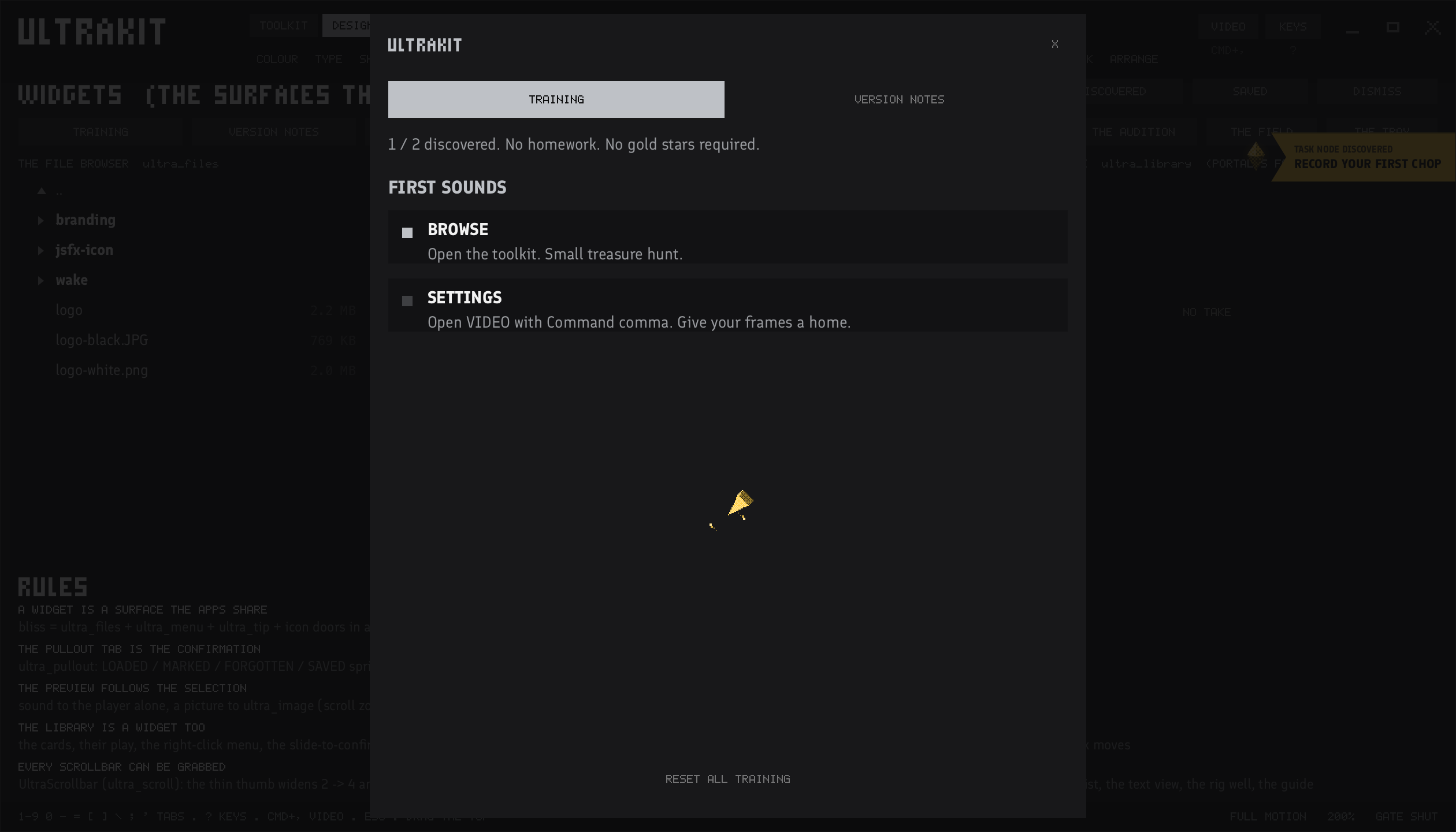
Training
Checklists that tick themselves when you actually do the thing.
Try it
The same controls, in your browser.
The kit's web parts: Choppa Lite and the library player are built from them.
Drag, scroll or use the arrow keys. Double-click a fader to reset it.
Every app
Learn one, know them all.
- Ctrl+, or Cmd+, opens settings from anywhere.
- Return takes the playhead back to zero.
- A lit icon means its panel is open.
- Side panels dock on the left: library, then routing, then the app.
- Anything that takes time says what it's doing, with a bar when it can measure it.
- Close it, open it again and everything is where you left it.
Where you'll find it
Play something drawn with it.
Tide, Wake and Layerz ULTRA for Windows are free downloads. Choppa Lite runs right here in the browser.